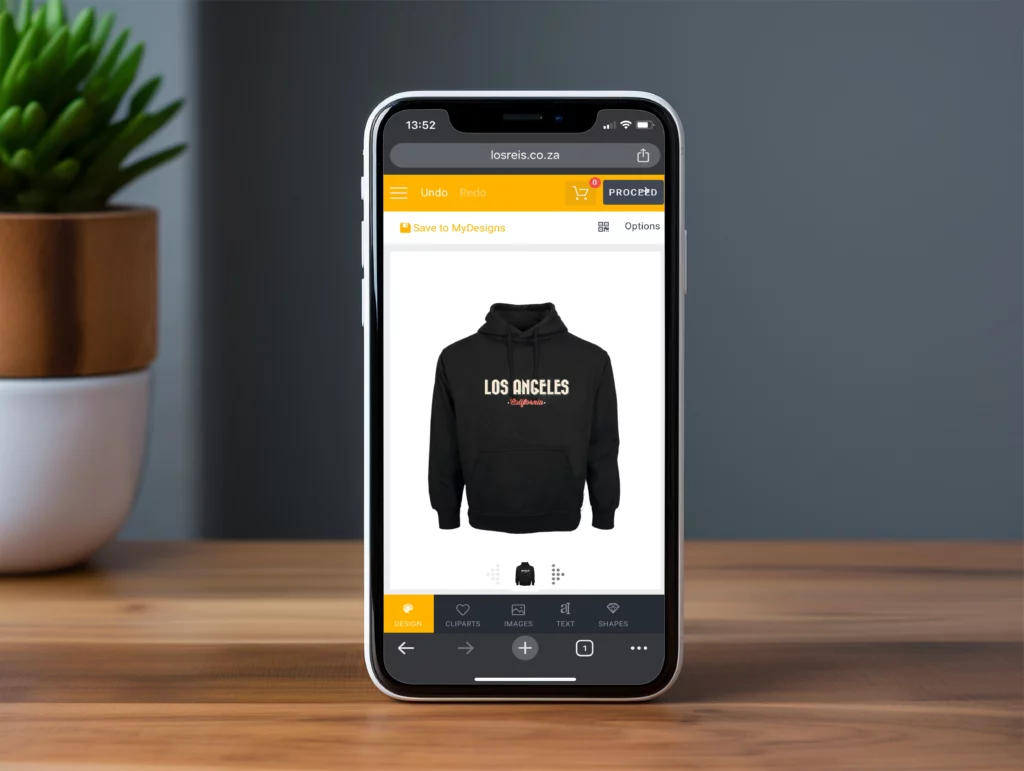
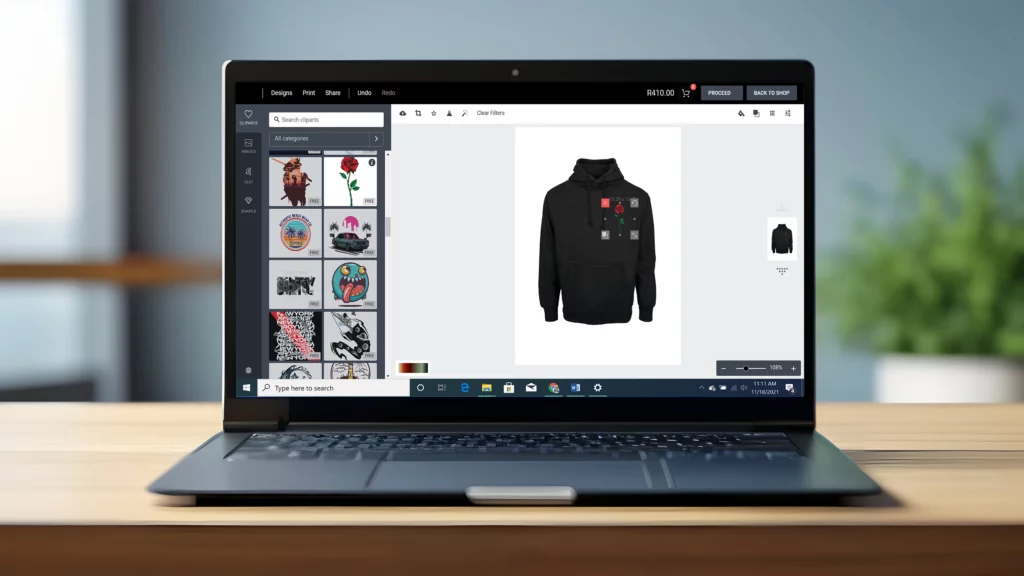
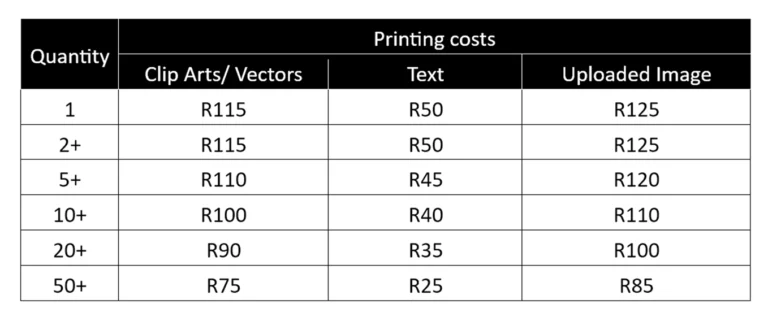
The design editor guide will help you as a client better understand the editor, how it works and the pricing structure. The design editor allows its user to add custom images, cliparts and/or text to any apparel items located within our customizable apparel category. These include T-shirts, Long Sleeve T-shirts, Hoodies and our signature baseball jackets. The Design editor is fully accessible on phone, tablet and laptop. 86 Emporiums design editor was introduced to provide a more accesible and fashionable print on demand service to everyone including individual clients, fashionistas, businesses and event planners.
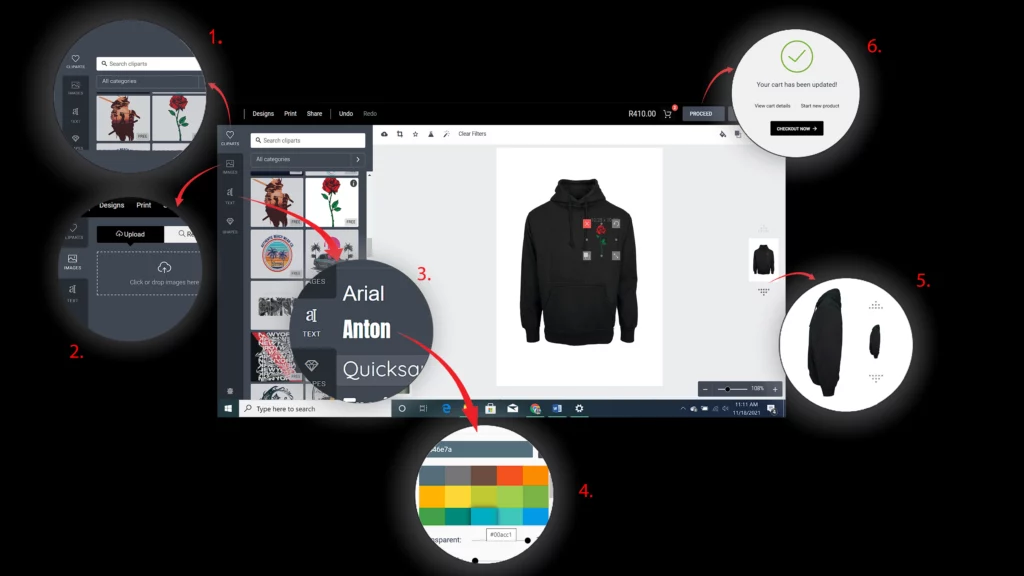
1. Select from a range of 100+ cliparts to customize your apparel
2. Design your own image or upload an existing one to the editor
3. Select from a range of existing google fonts to add on top of cliparts and images or on its own
4. Change the colour of any font using any colour
5. Click the arrow up, down buttons to select from the different sides available (front, left, back, right)
6. Click proceed to finish the design and add the final product to the cart
Additional information:
Some Garments have restrictions such as our baseball jackets as only fonts of 1-2 colours can be used to customize them