AMPCOM AM-6088 RJ45/RJ11 Network Crimper Professional 3-in-1 Tool
$79.36
$121.42
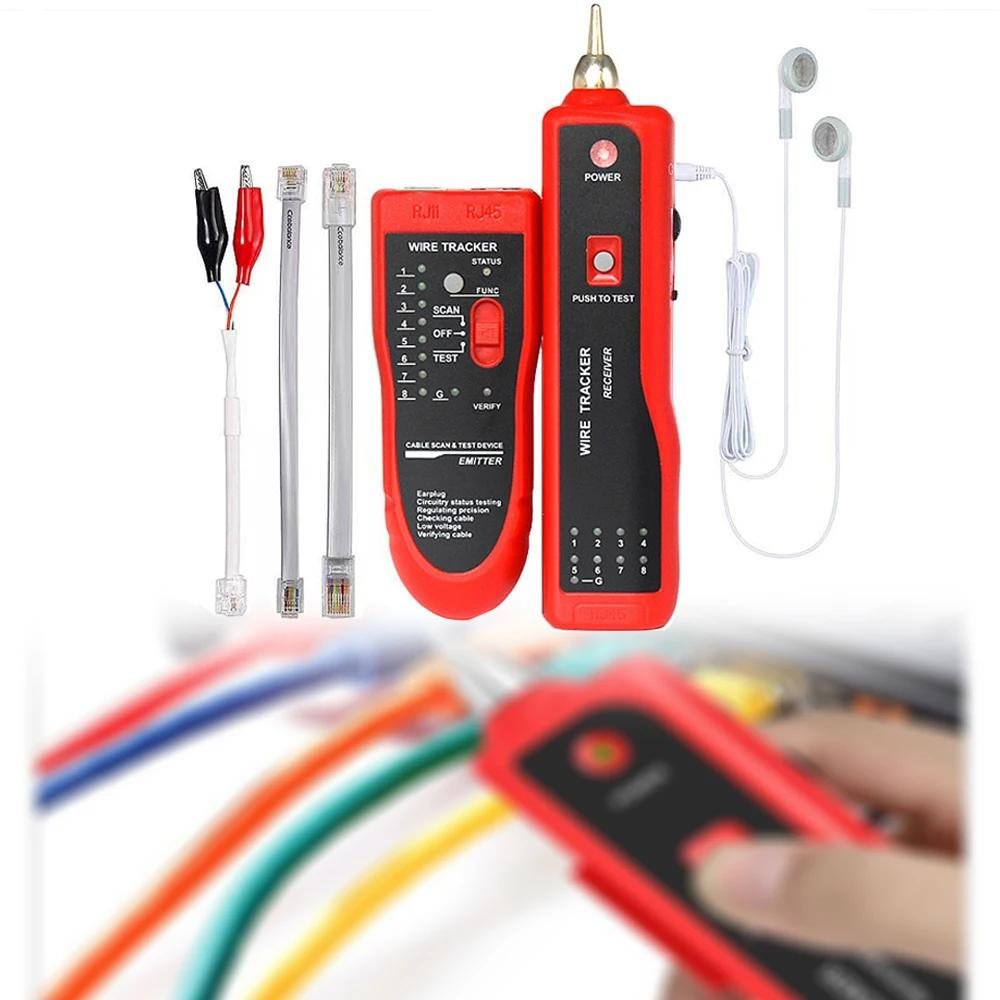
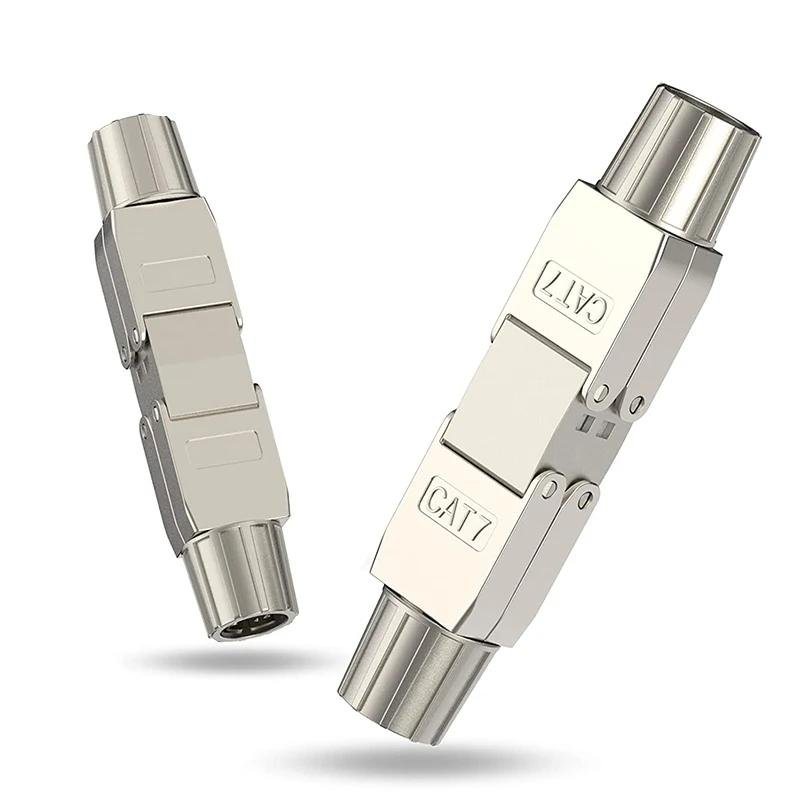
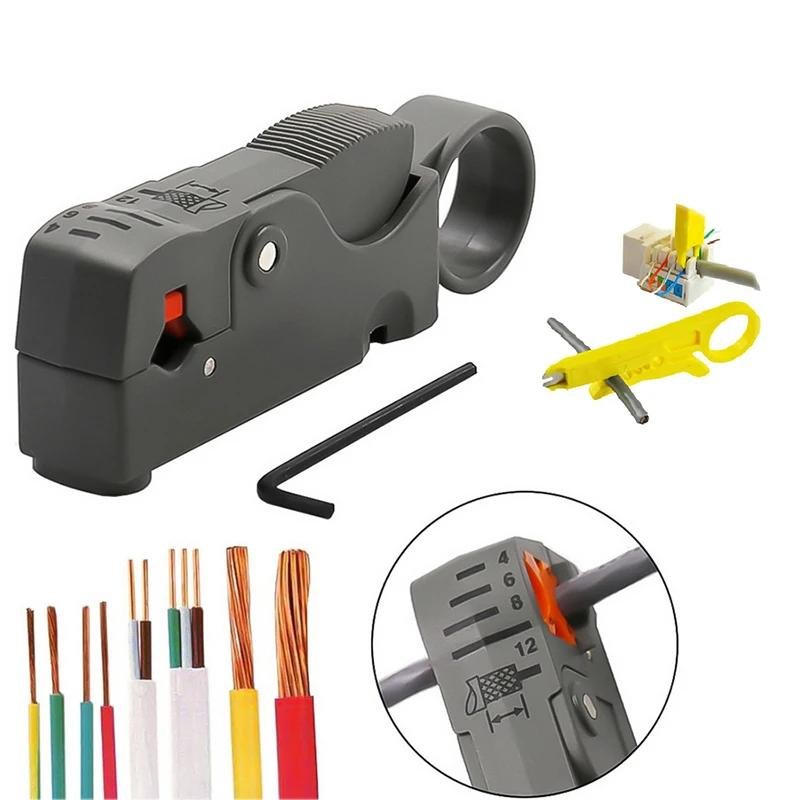
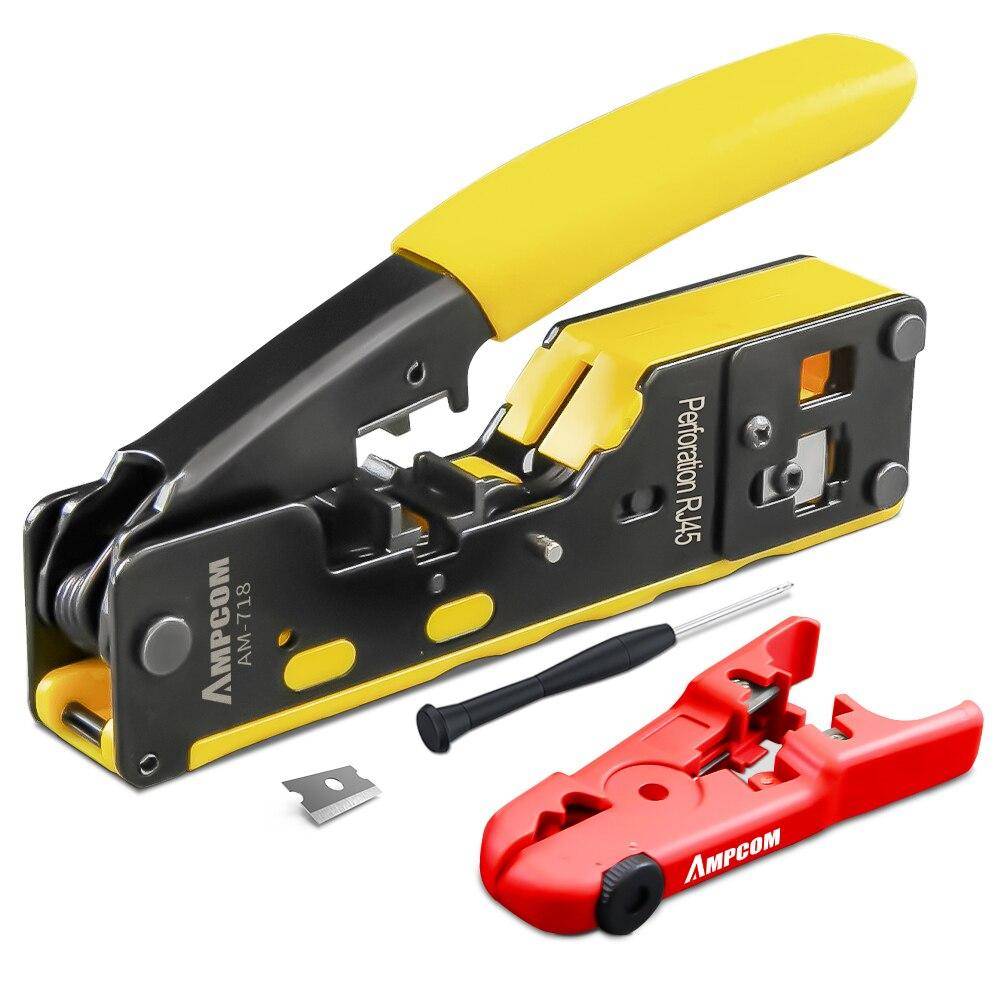
AMPCOM AM-6088 RJ45/RJ11 Network Crimper Professional 3-in-1 Tool Achieve professional-level network installations with the AMPCOM AM-6088 RJ45/RJ11 Network Crimper. This 3-in-1 tool allows you to crimp, cut, and strip LAN and telephone cables with efficiency and accuracy. Designed for RJ45 (CAT8/7/6A/6/5E) and RJ11/12 modular connectors, this crimper is an essential tool for any IT professional or DIY installer. �� Why AMPCOM AM-6088? ✔ All-in-One Crimper, Stripper & Cutter for Ethernet & Phone Cables ✔ Supports RJ45, RJ11, RJ12 & Various STP/UTP LAN Cables ✔ Ultra-Sharp Blades for Precision Cutting & Clean Connections ✔ Ergonomic Anti-Slip Handle for Comfortable Use ✔ Perfect for Professional & Home Network Installations ⚙ Get the best crimping tool for flawless cable terminations—buy now! 1. AMPCOM RJ45 EZ Crimp Tool (AM-6088): Lets you crimp (CAT8, CAT7, CAT6A, CAT6, CAT5, CAT5e) and telephone cables, Compatible with all RJ45 CAT7, CAT6A, CAT6 CAT5e pass through connectors (including shielded), RJ45 network connectors, and RJ11/12 telephone connector. 2. Precision Crimping dies are made of high-carbon steel For Any Ethernet or Telephone Cable, die head assembly provides 360 degrees of connector support for terminating modular plugs on stranded or solid cable. 3. Safety-release handle lock reduces risk of injury on Crimping, Stripping and Cutting textured handle grips reduce hand fatigue and prevent slipping during cutting, stripping, and crimping. Function: Crimp connector 2. Crimp and cut excess wires 3. Cut/trim driver wires 4. Strip cable outer jacket Work With: 1. Pass through Type & Non-pass through Type ; 2. UTP (unshielded)/STP (shielded); 3. CAT5e/CAT6/CAT6A/CAT7/CAT8 ; 4. 8P8C 6P6C 6P4C 6P2C; 5. LAN: RJ45 / TEL: RJ11/RJ12 Package includes: 1X AMPCOM Pass Through Crimper (AM-6088), 2X Spare Blade This high-quality RJ45 Network EZ-Crimp Tool AM-60888 is made from durable materials, emphasize the precision of each modular clamp. Also, it is comfortable to hold and easy to use for extended periods. This ergonomic handle has non-slip grips, reducing strain on the hands and ensuring precise crimps without discomfort. Smooth Operation in Crimping Network and Telephone modular plug, striping the cable outer jacket, and trimming or cutting conductor wires. For you to DIY Lan cable easier on site. 1. Embeded Spring – Effortless Use. Crimp every connector with the minimal effort. 2. Easier to use with the Pass through rj45 plug. Crimp and cut at the same time . Can be used with the most types of modular plugs. 3. Support Multiple Connectors Types. Questions and Answers about the AM-6088 EZ-Type Crimper: Q: What types of connectors can this network crimper clamp? A: RJ-45/RJ-11/RJ-12 connectors. Q: Does this crimper have a ratchet mechanism? A: No, it doesn’t have the ratchet mechanism. But it has a lock to adjust the handle place, which allows users to complete their tasks with minimal effort. Q: Can this crimper work with the STP RJ45 plug? A: Yes, it does. It will work with the STP/UTP RJ45 Snap-in Pass Through or Non-Passthrough, but if the rj connector has a tail clip, you may need an extra tool to crimp the tail clip. Q: Does this crimper come with an extra blade? A: Yes, it has 2 replacement blades for you to replace. Makes this crimper last longer. Wide Compatibility allows it to work seamlessly with various RJ45 connectors and cable types. NETWORK: RJ45-8P8C-CAT8 CAT7A CAT7 CAT6A CAT6 CAT5E (Shielded-STP/ Unshielded – UTP) Pass-Through Type (EZ-Type) & Non-Pass-Through Type (Standard Normal Type). TELEPHONE: RJ12/RJ11: 6P6C/6P4C/4P4C NOTICE 1. Proper Cable Stripping: Strip the outer jacket of the Ethernet cable carefully, making sure not to damage the inner wires. 2. Wire Arrangement: Arrange the inner wires (conductors) according to the appropriate color code (usually T568B or T568A) before inserting them into the RJ45 connector. 3. Length of Exposed Wires: Make sure that the exposed wires are of the right length. 4. Insertion Depth: Insert the wires fully into the RJ45 connector. 5. Crimping Process: When you place the connector in the crimper, ensure it’s positioned correctly. 6. Inspect the Crimp: After crimping, inspect the connector to ensure that all wires are fully seated and that none of them are bent or pushed out of place. 7. Avoid overcrimping: Overcrimping can damage the connector and wires. Once you feel resistance while crimping, stop. 8. Use Strain Relief Boots: They provide strain relief and help prevent the cable from bending too sharply near the connector, reducing the risk of damage. 9. TIs the Cable: After crimping, use a cable tester to check the integrity of your connection. This can save you a lot of troubleshooting time later on.